Cloud Storage vs Photo Delivery Platform: Which is Better for Photographers?
Compare Google Drive, Dropbox with professional photo delivery platforms. Discover why photographers need specialized tools for client galleries and photo sharing.
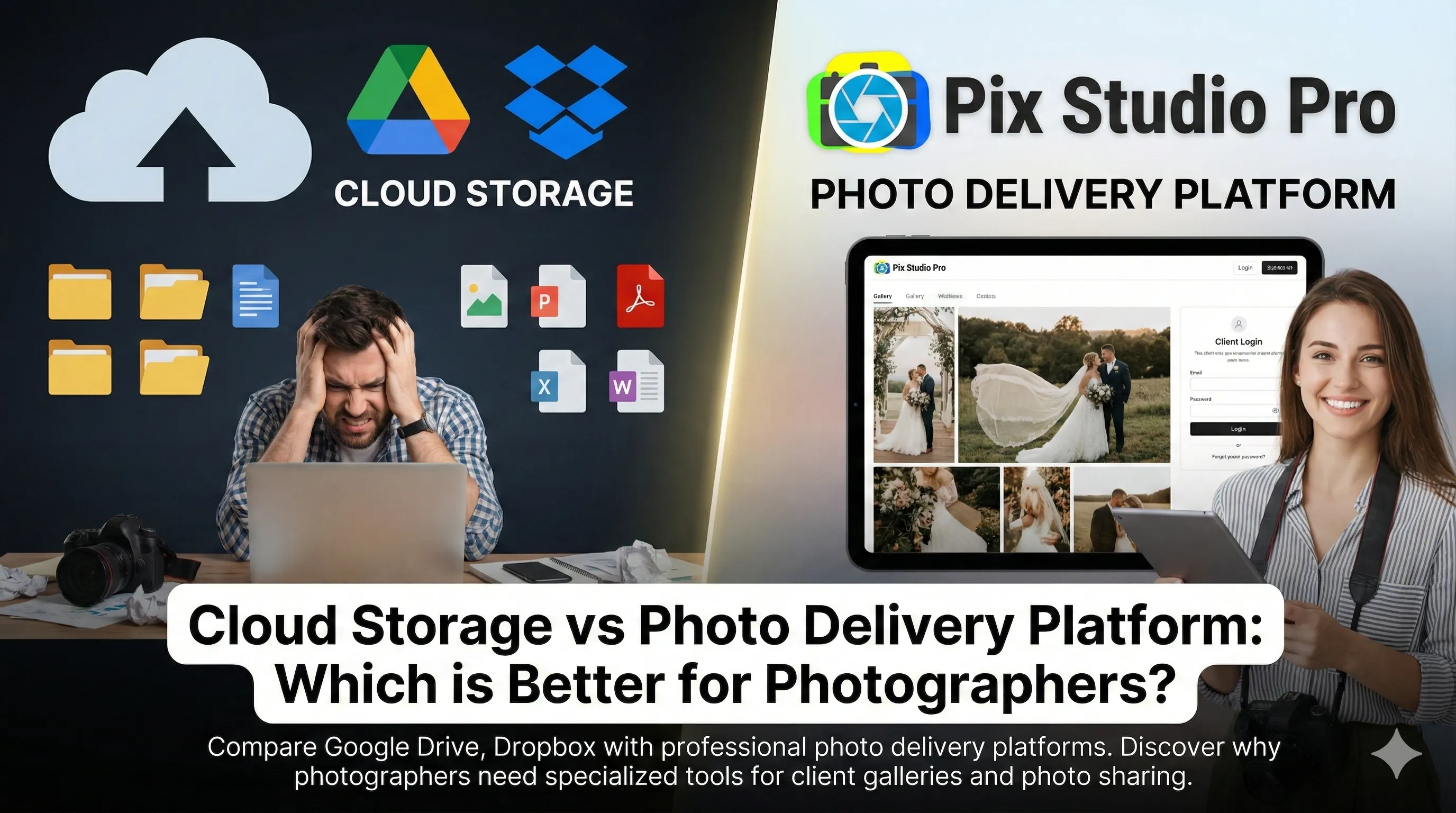
Cloud Storage vs Photo Delivery Platform: Which is Better for Photographers?
Many photographers start with Google Drive or Dropbox to share photos with clients. It’s free, familiar, and “good enough.” But is it really? Let’s compare generic cloud storage with professional photo delivery platforms.
The Real Cost of “Free”
Google Drive is free for 15GB. Sounds great until you realize:
- One wedding = 5-10GB
- You need paid plan after 2-3 weddings
- Google Workspace: $6-12/month (still limited features)
Hidden costs:
- Time organizing folders (3-4 hours per event)
- Lost clients due to poor presentation
- Missed upsell opportunities
- No professional branding
Feature-by-Feature Comparison
Photo Organization
Google Drive / Dropbox:
❌ Manual folder creation
❌ No face recognition
❌ Basic file names only
❌ No smart sorting
❌ Client downloads everything
Pix Studio Pro:
✅ Auto-organization by event
✅ AI face recognition
✅ Smart albums creation
✅ Client swipe-to-select interface
✅ Download only chosen photos
Client Experience
| Aspect | Google Drive | Pix Studio Pro |
|---|---|---|
| Interface | Generic file list | Beautiful gallery |
| Mobile experience | Difficult | Optimized |
| Photo preview | Basic | Full-screen, fast |
| Selection process | Download all | Swipe to choose |
| Branding | Google logo | Your studio logo |
Delivery Speed
Google Drive Workflow:
- Create folder (5 min)
- Upload photos (30 min)
- Set permissions (5 min)
- Send link + instructions (10 min)
- Client downloads all (20 min)
- Client emails selections (days later)
- You re-upload finals
Total: 70+ minutes + waiting
Pix Studio Pro Workflow:
- Upload photos (auto-organized)
- Send gallery link
- Client selects favorites
- Download auto-generated
Total: 10 minutes, no waiting
Storage Costs
Google Drive:
- 100GB: $2/month
- 200GB: $3/month
- 2TB: $10/month
Dropbox:
- 2TB: $12/month
- 3TB: $17/month
Pix Studio Pro:
- 50GB + features: $9/month
- Unlimited + premium: $29/month
Why pay more? Because storage isn’t the point - the FEATURES are.
What You’re Missing with Cloud Storage
1. Client Selection Tools
Problem: Endless emails asking which photos they want
Solution: They swipe, you’re notified, done.
Time saved: 4-6 hours per client
2. AI Face Recognition
Problem: Manually sorting event photos by person
Solution: AI creates personalized galleries automatically
Time saved: 3-5 hours per event
3. E-Album Creation
Problem: Designing albums takes hours
Solution: Auto-generated from client selections
Revenue increase: 30% more album sales
4. Studio Branding
Problem: Clients see Google/Dropbox logos
Solution: Your logo, colors, domain
Professional credibility: Priceless
5. Download Analytics
Problem: No idea if client viewed photos
Solution: Track views, downloads, selections
Business insights: Who’s engaged, who needs follow-up
Real Photographer Comparisons
Sarah - Wedding Photographer
Used Google Drive for 2 years:
- Paid $10/month for 2TB
- Spent 5 hours/wedding on delivery
- Generic client experience
- No upsales tracking
Switched to Pix Studio Pro:
- Pays $29/month
- Spends 15 min/wedding
- Branded, professional galleries
- 40% increase in album sales
ROI: Saved 20 hours/month (worth $1,500) for $19 extra cost
Mike - Event Photographer
Used Dropbox for 1 year:
- Clients confused by interface
- Many didn’t download photos
- Constant “how do I access?” emails
- No face grouping for events
Switched to Pix Studio Pro:
- AI groups photos by person
- Everyone finds their photos instantly
- 95% client satisfaction vs 70%
- 3x more referrals
When Cloud Storage Makes Sense
Use Google Drive/Dropbox for:
- Personal photo storage & backup
- Sharing with family/friends casually
- Internal team collaboration
- File storage (contracts, invoices)
DON’T use for:
- Professional client delivery
- Photography business workflows
- Event photo organization
- Portfolio/gallery presentation
The Hybrid Approach
Best practice:
- Primary backup: External hard drives
- Cloud backup: Google Drive/Dropbox
- Client delivery: Pix Studio Pro
- Long-term archive: Cloud storage
Each tool serves its purpose. Don’t use a hammer for everything.
Migration Guide: Switching from Cloud to Pro Platform
Week 1: Setup
- Create Pix Studio Pro account
- Configure branding
- Set up package templates
- Test with old event
Week 2: Parallel Run
- Use both systems
- Compare client feedback
- Measure time savings
- Refine workflow
Week 3: Full Switch
- New clients on Pix Studio Pro only
- Update contracts/invoices
- Market faster delivery
- Training team (if applicable)
Week 4: Optimize
- Review analytics
- Adjust pricing
- Automate more
- Cancel redundant cloud storage
Cost-Benefit Analysis
Scenario: 10 weddings/year
Google Drive Approach:
- Cost: $120/year (2TB plan)
- Time spent: 50 hours organizing/delivering
- Value of time (@ $75/hr): $3,750
- Total cost: $3,870
- Album sales: Baseline
Pix Studio Pro Approach:
- Cost: $348/year (Pro plan)
- Time spent: 8 hours total
- Value of time: $600
- Total cost: $948
- Album sales: +30% ($1,500 extra revenue)
Net benefit: $3,870 - $948 + $1,500 = $4,422 advantage
Frequently Asked Questions
Q: Can I use both? A: Yes! Many use cloud for backup, Pix Studio Pro for delivery.
Q: What about file size limits? A: Cloud services compress. Pix Studio Pro maintains full quality.
Q: How do clients download from Pix Studio Pro? A: One-click download of all selections in full resolution.
Q: Is there a learning curve? A: Minimal. If you can use Google Drive, you can use Pix Studio Pro.
Q: What about privacy/security? A: Professional platforms often have BETTER security than free consumer services.
Platform Recommendations by Photographer Type
Wedding Photographers
Best choice: Pix Studio Pro Why: Client selection, E-albums, branding
Event Photographers
Best choice: Pix Studio Pro Why: AI face recognition, bulk delivery
Portrait Studios
Best choice: Pix Studio Pro Why: In-person/online selection, upsell tools
Commercial Photographers
Best choice: Hybrid (Cloud + Pro platform) Why: Large files + client collaboration
Hobbyists
Best choice: Google Drive/Dropbox Why: Free tier, simple sharing
The Bottom Line
Cloud storage is for storage. Photo delivery platforms are for business.
Google Drive is great for:
- Storing files
- Personal use
- Basic sharing
Pix Studio Pro is essential for:
- Professional photographers
- Client deliveries
- Business growth
- Time savings
Your clients don’t care if you saved $20/month on software.They care about:
- Beautiful presentation
- Easy photo access
- Fast delivery
- Professional experience
Invest in tools that make you money, not just save storage costs.
Try Pix Studio Pro Free - See the difference yourself!
About Pix Studio Pro Team
The Pix Studio Pro team consists of professional photographers and tech enthusiasts dedicated to helping studios streamline their workflows and deliver exceptional client experiences.
Ready to Transform Your Photography Workflow?
Join thousands of photographers who are saving time and delighting clients with Pix Studio Pro.
Start Free Trial