Photo Selection Made Easy: Transform Your Photography Workflow
Discover how photo selection tools revolutionize photographer workflow. Save hours with client swipe features and automated delivery systems.
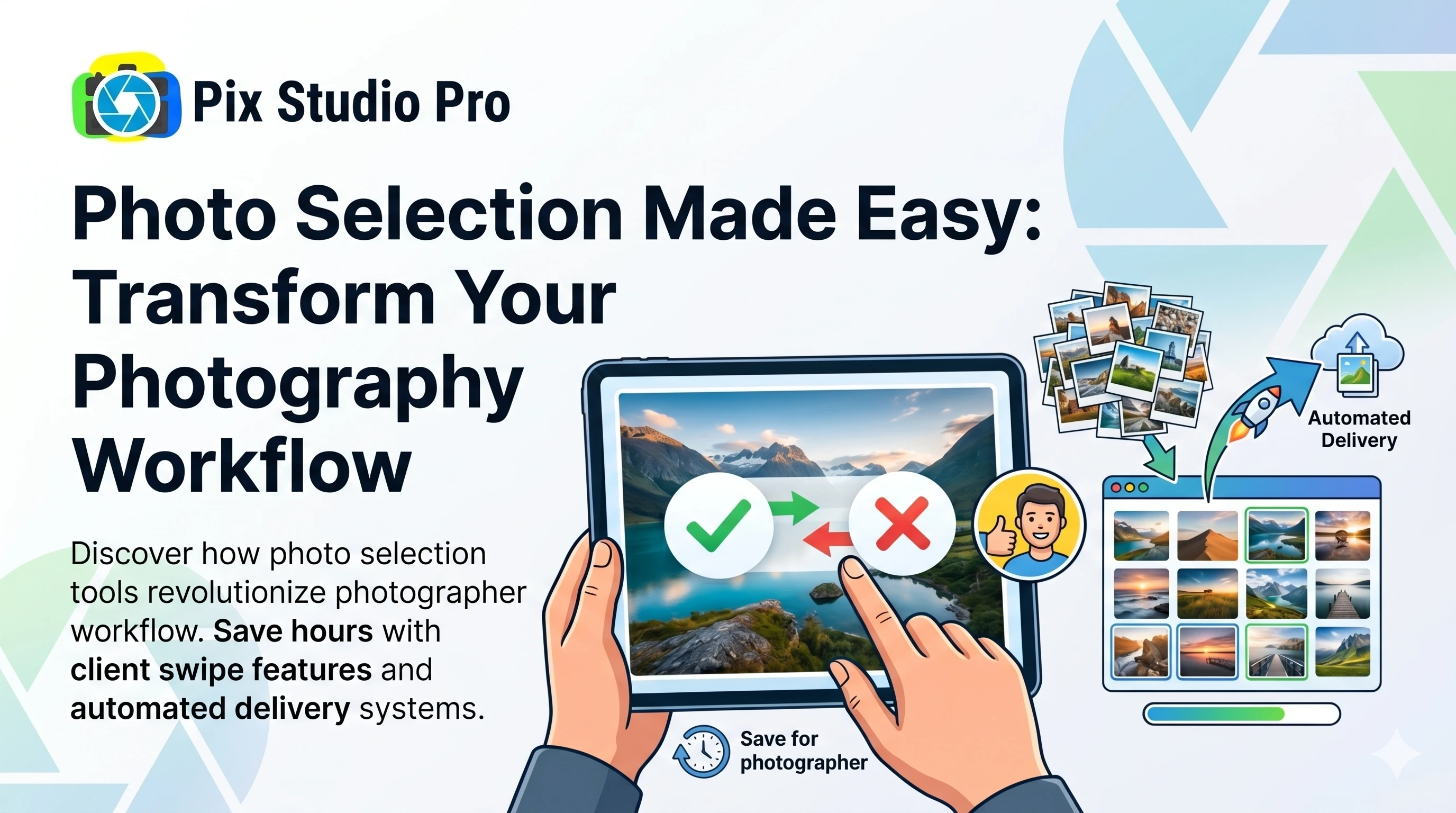
Photo Selection Made Easy: Transform Your Photography Workflow
Every photographer knows the pain: you shoot 500+ photos at an event, edit 200 of them, and then… the bottleneck begins. Clients take weeks to choose favorites. Endless email chains. “Can I see more options?” This cycle wastes time and delays payment.
There’s a better way.
The Old Photo Selection Process
###Traditional Method Pain Points:
- Email 200 edited photos (compression issues)
- Wait for client response (days/weeks)
- “Can you send different ones?”
- Re-send photos multiple times
- Client provides vague feedback
- Finally get selections
- Prepare finals and invoice
Timeline: 2-4 weeks Emails exchanged: 10-15 Your time wasted: 4-6 hours
The Modern Solution: Photo Selection Tools
How Pix Studio Pro Works:
Step 1: Upload edited photos (5 minutes)
Step 2: Send client the gallery link
Step 3: Client swipes through photos
       • Right = Love it
       • Left = Skip it
Step 4: Get instant notification of selections
Step 5: Deliver finals automaticallyTimeline: 24-48 hours Emails exchanged: 1-2 Your time: 15 minutes
Key Features That Save Time
1. Swipe Interface
Why it works:
- Familiar (like dating apps)
- Fast decision-making
- No overwhelming grids
- Mobile-friendly
Client perspective:
“It took me 10 minutes instead of hours staring at thumbnails!” - Bride review
2. Automatic Organization
Your selections are auto-organized:
- ✅ Favorites folder created
- ✅ Download links generated
- ✅ E-album prepared
- ✅ Invoice updated with count
3. Selection Limits
Set boundaries:
- Wedding package: 50 photos
- Portrait session: 15 photos
- Event package: 100 photos
- Upsell: $5 per additional photo
clients choose within limits, reducing scope creep.
4. Comparison Mode
Clients can compare:
- Side-by-side views
- Similar poses
- Different angles
- Color vs B&W
Helps them make confident decisions faster.
Real Photographer Results
Case Study 1: Wedding Photographer
Before Pix Studio Pro:
- Average selection time: 3 weeks
- Client emails per wedding: 12
- Selection-related hours: 5
After Pix Studio Pro:
- Average selection time: 2 days
- Client emails: 2
- Selection hours: 0.5
Result: Book 40% more weddings with same time investment
Case Study 2: Family Portrait Studio
Before:
- In-person selection appointments (90 min each)
- Studio booking required
- Limited evening/weekend slots
- Pressure sales environment
After:
- Client selects at home, any time
- No studio time needed
- Relaxed decision-making
- 30% higher average sale (no pressure = more purchases)
Advanced Features for Pros
Batch Uploads
- Drag-and-drop folders
- Auto-watermark application
- Preset gallery templates
- Bulk email sending
Analytics Dashboard
Track everything:
- Which photos get selected most
- Client viewing patterns
- Drop-off points
- Popular styles
Use data to:
- Shoot more of what clients love
- Reduce editing waste
- Improve portfolio
Integration Options
Connect with:
- Print labs for direct ordering
- Accounting software for invoicing
- CRM for client management
- Marketing tools for follow-up
Pricing Strategy with Selection Tools
Package 1: Basic Selection
- Client chooses 25 photos
- Digital downloads only
- 30-day access
- Base price: $299
Package 2: Enhanced Selection
- Choose 50 photos
- Digital + print credits
- E-album included
- Upgrade: $499 (+$200)
Package 3: Premium Unlimited
- Unlimited selections
- All digital files
- Premium album
- Premium: $999 (+$500)
Key insight: When clients can see ALL their options easily, they upgrade more often.
Client Communication Templates
Initial Gallery Email
Subject: Your Photos Are Ready to View! 🎉

Hi [Name],

Great news! Your [event type] photos are ready for viewing and selection.

📸 Total edited photos: [number]
🔗 View & select: [gallery link]
💝 Photos included in package: [number]

HOW IT WORKS:
• Swipe right on photos you love
• Swipe left to pass
• Compare favorites side-by-side
• Download when done!

DEADLINE: Please make selections by [date] to receive your finals on schedule.

Questions? Just reply!

Best,
[Your Name]
Selection Complete Auto-Email
Subject: Thank You! Your Photos Are Being Prepared

Hi [Name],

Thanks for making your selections! I'll have your final photos ready within [timeframe].

📊 You selected: [number] photos
📦 Package includes: [number] photos
💎 Additional selections: [number] × $[price] = $[total]

Your finals will include:
✅ High-resolution downloads
✅ Print-ready files
✅ Web-optimized versions
✅ Beautiful E-album

See you soon!
[Your Name]
Common Concerns Addressed
Q: What if clients don’t understand the interface? A: The swipe gesture is universally understood. Plus, include a 30-second video tutorial.
Q: What about older clients without smartphones? A: Desktop version works great too. Large buttons, simple interface.
Q: Can clients change their mind? A: Set a revision window (e.g., 48 hours) then lock selections. Clear policies prevent endless changes.
Q: How do I prevent over-selection? A: System auto-alerts when package limit is reached and shows additional cost.
Time Savings Calculator
Your hourly rate: $75 Hours on selection per client (old way): 4 hours = $300 lost
With automated selection:
- Time invested: 15 minutes = $18.75
- Savings: $281.25 per client
Per month (10 clients):
- Total savings: $2,812.50
- Annual savings: $33,750
That’s a full month of income recovered!
Getting Started Checklist
Week 1: Setup
- Create Pix Studio Pro account
- Upload sample gallery
- Configure package settings
- Design email templates
Week 2: Test
- Send trial to friend/family
- Get feedback on process
- Refine settings
- Create tutorial video
Week 3: Launch
- Use for next 2-3 clients
- Monitor selections
- Track time saved
- Collect testimonials
Week 4: Optimize
- Review analytics
- Update packages
- Raise prices
- Market faster delivery
Conclusion
Photo selection doesn’t have to be a bottleneck. With Pix Studio Pro:
✅ Clients select in minutes, not weeks ✅ You save 4+ hours per project ✅ Faster delivery = happier clients ✅ Higher package upgrades ✅ More time to shoot
Stop chasing clients for selections. Let technology do the work.
Start Your Free Trial - No credit card required!
About Pix Studio Pro Team
The Pix Studio Pro team consists of professional photographers and tech enthusiasts dedicated to helping studios streamline their workflows and deliver exceptional client experiences.
Ready to Transform Your Photography Workflow?
Join thousands of photographers who are saving time and delighting clients with Pix Studio Pro.
Start Free Trial